.png)

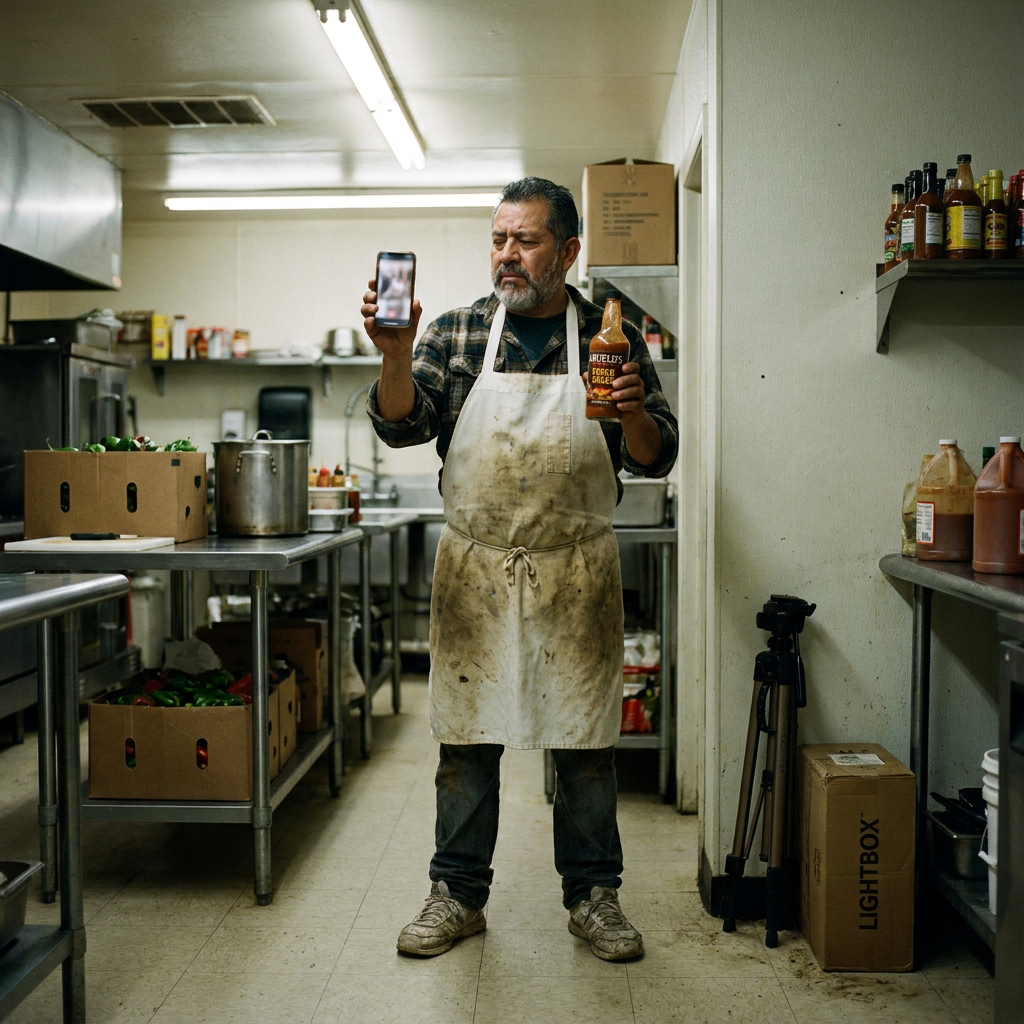
Table of Contents
- Why Traditional Product Photography for E-Commerce Wastes Time and Money
- How AI Transforms Food Product Photography for E-Commerce Listings
- Case Study: How AI Product Photos Boosted Amazon Sales for a Hot Sauce Brand
- Quick Wins: Improve Your E-Commerce Product Image Creation Today
- The Bottom Line: How Poor Product Photography for E-Commerce Kills Conversions
Product Photography for E-Commerce: Why Your Amazon Food Products Aren’t Selling (And How to Fix It)
Kevin’s hot sauce is good. Like, really good. He’s spent years perfecting the recipe—balancing heat, sweetness, and that smoky depth that makes people reach for a second bottle before the first one’s empty. But here’s the thing: on Amazon, his sales aren’t where they should be.
I’ve talked to dozens of food product owners—hot sauce makers, spice blenders, small-batch jam producers—and the story’s always the same. They’ve got a great product, solid reviews, and a price that makes sense. But their Amazon listings? They look… fine. Not bad. Not great. Just fine.
And “fine” doesn’t sell.
Look, Amazon’s algorithm doesn’t reward “fine.” It rewards clarity and desire. Shoppers scroll fast. They don’t read descriptions first—they look at the images. If your photos don’t stop them in their tracks, they’re gone. And if your photos don’t both show the product clearly and make them crave it? You’re leaving money on the table.
You need two types of images:
- The clean, white-background shot (Amazon’s requirement for the main image).
- The lifestyle shot (the one that makes someone think, “I need this in my kitchen right now.”)
Most small food businesses try to do both. And most of them waste way too much time and money doing it.
The Time-Consuming Process of Creating Product Photos
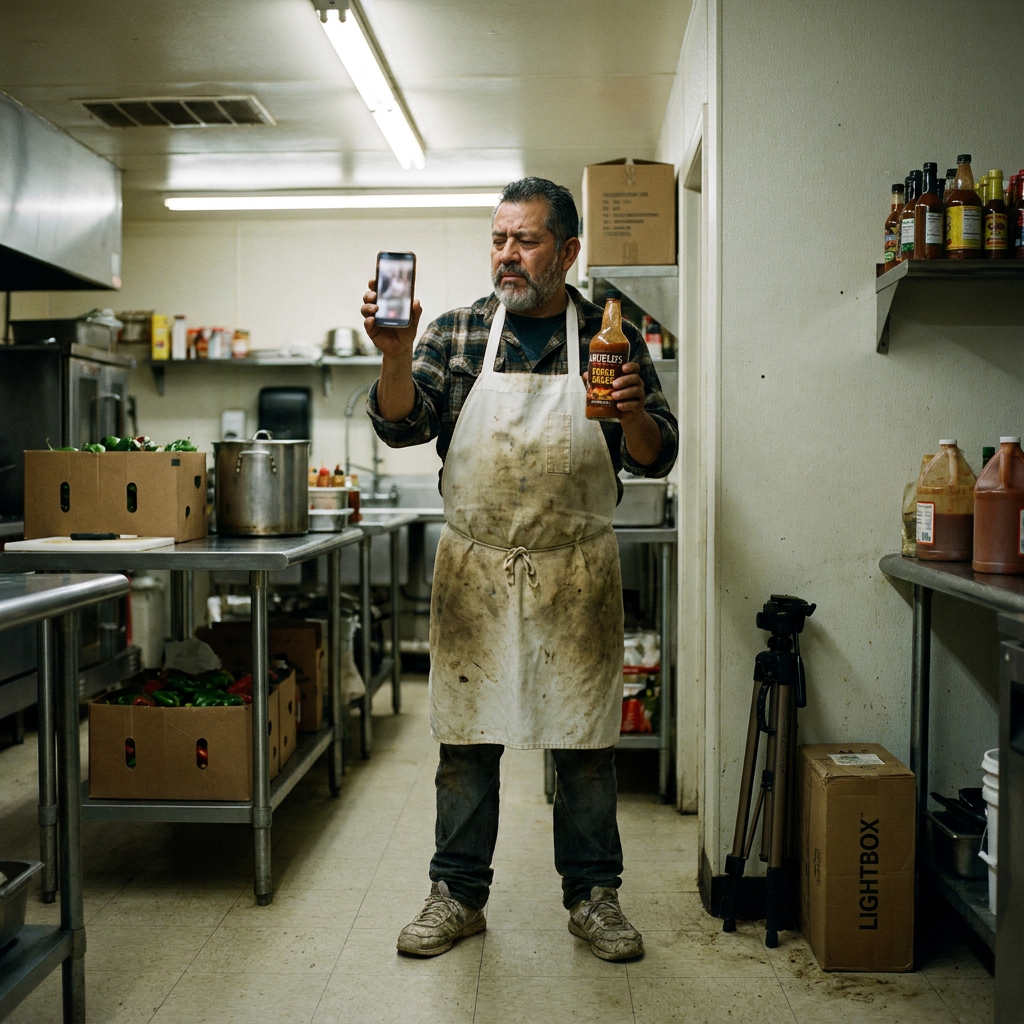
Kevin’s first attempt at product photos was… let’s call it optimistic.
He set up a white poster board in his kitchen, propped his phone against a stack of cookbooks, and started snapping. The results? Grainy. Uneven lighting. Shadows everywhere. The white background wasn’t actually white—it was more of a “dirty off-white.”
So he tried again. This time, he bought a cheap lightbox and a clip-on phone light. Better, but still not Amazon-ready. The colors were off. The bottle looked dull. And the lifestyle shots? Forget it. He tried staging a photo with a cutting board and some peppers, but the lighting was all wrong, and the composition looked amateur.
He spent hours on this. And at the end of it, he had a handful of photos that were… okay. Not great. Just okay.
Sound familiar?
Here’s what most small food businesses do when they realize their photos aren’t cutting it:
Option 1: DIY (The Time-Suck)
- Buy gear: Lightbox, tripod, reflectors, maybe a decent camera if they’re feeling ambitious.
- Watch tutorials: Spend hours on YouTube learning about lighting, composition, and editing.
- Shoot: Take 200 photos to get 5 that are usable.
- Edit: Spend even more time in Photoshop or Lightroom trying to fix exposure, color balance, and backgrounds.
- Repeat: Because the first batch still doesn’t look professional.
Total time invested: 10–20 hours per product.
Result: Photos that are better, but still not great.
Option 2: Hire a Pro (The Money Pit)
- Find a photographer: Search for “food product photographer” and hope they’re in your area.
- Get quotes: $75–$150 per setup (and that’s on the low end).
- Schedule a shoot: Drive to their studio, bring your products, wait while they set up.
- Wait for edits: 1–2 weeks to get the final images.
- Realize you need more: Because one setup isn’t enough—you need both white background and lifestyle shots.
Total cost: $500–$1,500 per product.
Result: Great photos. But at what cost?
Option 3: Use Stock Photos (The Lazy (and Risky) Way)
- Buy generic images: Find a stock photo of a “hot sauce bottle” or “spice jar.”
- Slap your label on it: In Photoshop or Canva.
- Hope no one notices: That the bottle shape doesn’t match yours, or that the lighting looks off.
Total cost: $10–$50 per image.
Result: Photos that look fake. And shoppers notice.
None of these options are great. And that’s the problem.
You need two types of photos.
You don’t have 20 hours to waste.
You don’t have $1,500 to spend per product.
And you definitely don’t want to risk looking like a knockoff brand.
So what’s the solution?
Stop wasting time and money on product photos that don’t convert
Try AI Product Photos for free
No credit card required to explore
How AI Product Photos Actually Works for Food Products
Kevin’s breakthrough came when he stopped trying to do it all himself.
He took a single photo of his hot sauce bottle with his phone—just a quick snap on his kitchen counter. No fancy setup. No perfect lighting. Just a clear shot of the bottle.
Then he uploaded it to AI Product Photos (Neural Visual Agent).
Here’s what he got:
1. Instant White-Background Perfection
The AI removed the background and replaced it with pure white—exactly what Amazon requires. No shadows. No color casts. Just a clean, professional shot.
Time saved: 3 hours of editing (or $150 for a photographer).
2. One Photo, Multiple Styles
Kevin didn’t just get a white-background shot. He got options:
- Studio shot: The bottle on a sleek, minimalist surface.
- Lifestyle shot: The bottle next to a sizzling skillet of fajitas, with peppers and onions in the background.
- UGC-style shot: A hand holding the bottle over a plate of tacos, like a real customer would post on Instagram.
All generated from one phone photo.
Time saved: 5 hours of staging and reshooting (or $300 for a photographer).
3. Brand-Consistent Every Time
The AI doesn’t just generate random images—it keeps your brand’s style consistent. If Kevin wants all his photos to have the same warm, rustic vibe, the AI makes it happen. No more mismatched lighting or inconsistent colors.
Time saved: 2 hours of tweaking in Photoshop.
4. No Gear, No Guesswork
Kevin didn’t need a lightbox, a tripod, or a $1,000 camera. He just took a photo with his phone and let the AI do the rest.
Money saved: $500+ in gear and software.
Kevin’s Story: From Photo Dilemma to Sales Success
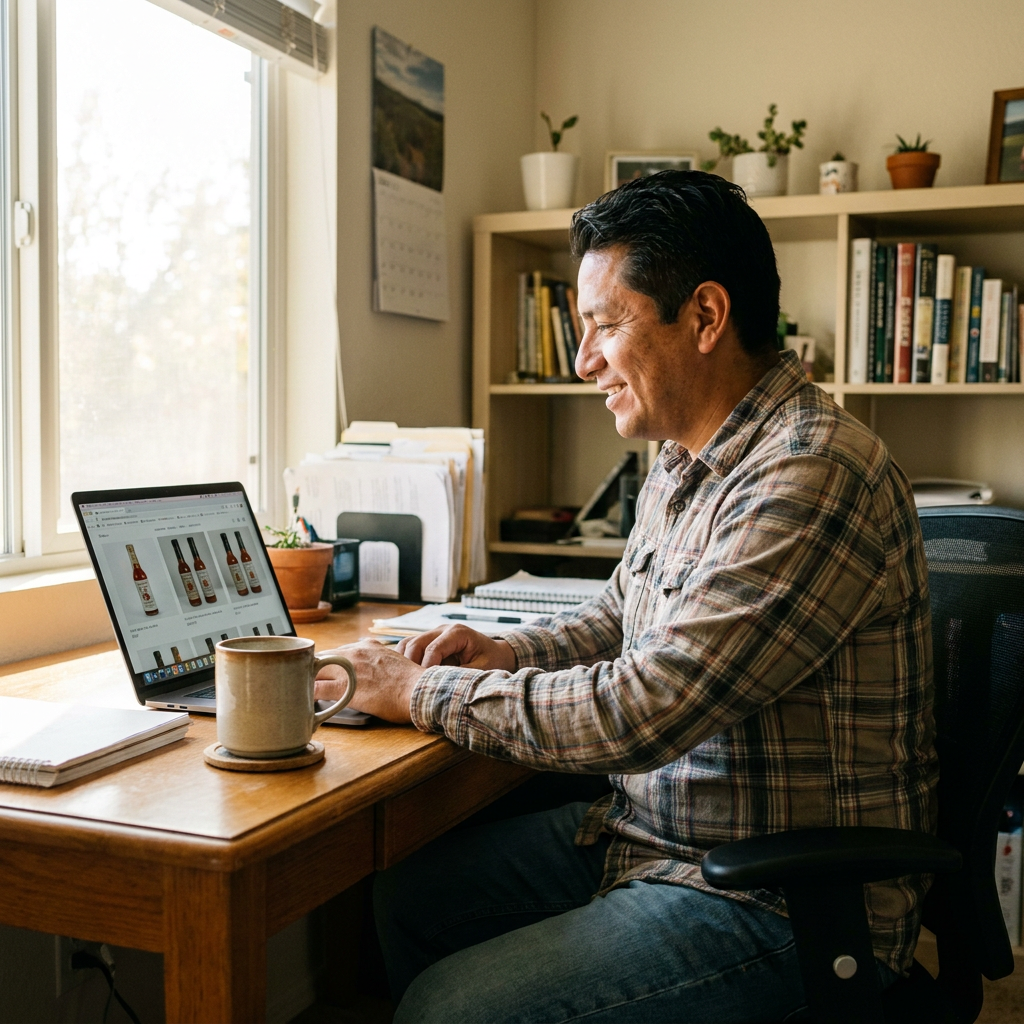
Kevin’s hot sauce wasn’t selling because his photos weren’t doing the product justice.
Before AI Product Photos:
- Main image: A blurry, poorly lit shot with a grayish background (not pure white).
- Lifestyle images: A few amateur shots that looked more like a family picnic than a professional product.
- Conversion rate: ~2.5% (industry average for food products is 3–5%).
After AI Product Photos:
- Main image: A crisp, white-background shot that met Amazon’s requirements perfectly.
- Lifestyle images: Professional-looking shots of the hot sauce in action—drizzled over wings, mixed into a marinade, sitting on a rustic wooden table.
- Additional images: Close-ups of the label, the bottle from different angles, and even a “how to use” shot.
- Conversion rate: Jumped to 4.2% within two weeks.
The result? More sales, fewer returns (because customers knew exactly what they were getting), and a listing that finally looked as good as the product tasted.
Quick Wins: 3 Things You Can Do Today (Even Without AI)
If you’re not ready to try AI Product Photos yet, here are three things you can do right now to improve your product photos:
1. Master the “One-Light Wonder” Setup
You don’t need expensive gear. Here’s how to do it with one light source (a window or a lamp):
- Place your product near a window (but not in direct sunlight—you want soft, diffused light).
- Use a white foam board (or poster board) as a reflector on the opposite side to fill in shadows.
- Shoot from above or at a slight angle (not straight on—it looks flat).
- Use your phone’s grid lines to keep the product centered.
Time needed: 10 minutes per product.
2. Shoot for the “Hero Shot” First
Your main image is the most important. Before you worry about lifestyle shots, make sure your white-background photo is flawless:
- Fill the frame (Amazon requires at least 85% of the image to be the product).
- Check the background (use a pure white surface or a lightbox).
- Avoid shadows (use a reflector or move the light source).
- Shoot in RAW (if your phone allows it) for better editing later.
Time needed: 15 minutes per product.
3. Steal Like an Artist (But Better)
Look at the top-selling products in your category on Amazon. What do their photos have in common?
- Angles: Are they shooting from the front, side, or top?
- Props: What’s in the lifestyle shots? Cutting boards? Fresh ingredients?
- Lighting: Is it warm and cozy or bright and clinical?
Don’t copy—adapt. Take inspiration from what’s working and make it your own.
Time needed: 30 minutes of research.
The Bottom Line: Your Photos Are Costing You Sales
Here’s the truth: You can have the best product in the world, but if your photos don’t stop the scroll, no one will ever know.
- White-background shots show what your product is.
- Lifestyle shots show why someone should want it.
- AI Product Photos gives you both—without the time, cost, or hassle.
Kevin’s hot sauce sales didn’t double because he changed the recipe. They doubled because his photos finally matched the quality of his product.
You don’t need a photography degree. You don’t need a $1,000 camera. You don’t even need a lightbox.
You just need a phone, a clear shot of your product, and AI Product Photos (Neural Visual Agent).
Ready to Stop Wasting Time on Bad Photos?
If you’re tired of:
✅ Blurry, poorly lit product shots
✅ Spending hours (or hundreds of dollars) on photos that still don’t look professional
✅ Losing sales because your listing doesn’t stand out
Try AI Product Photos today. One phone photo. Multiple professional images. No gear. No guesswork.
Turn one phone photo into a gallery of pro product images
Get started with AI Product Photos
No credit card required to explore
Related Articles
Get Studio-Quality Product Photos Today
Reclaim your time and focus on growth. Join business owners who are using AI to handle repetitive tasks so they can focus on what matters most.
Transparent Pricing • Built for Small Business • 24/7 Efficiency