.png)

AI Product Simulation: Cheap, Fast & Studio-Quality Photos Without the Hassle
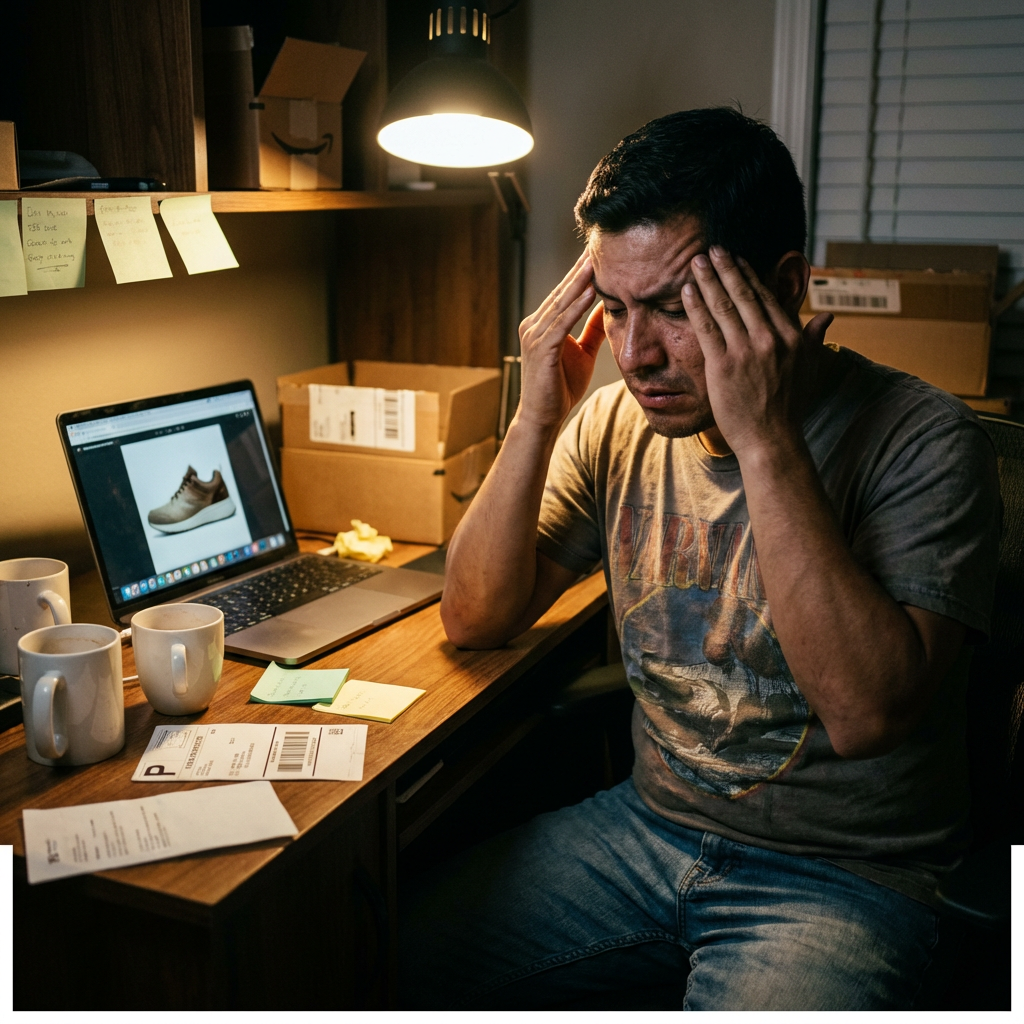
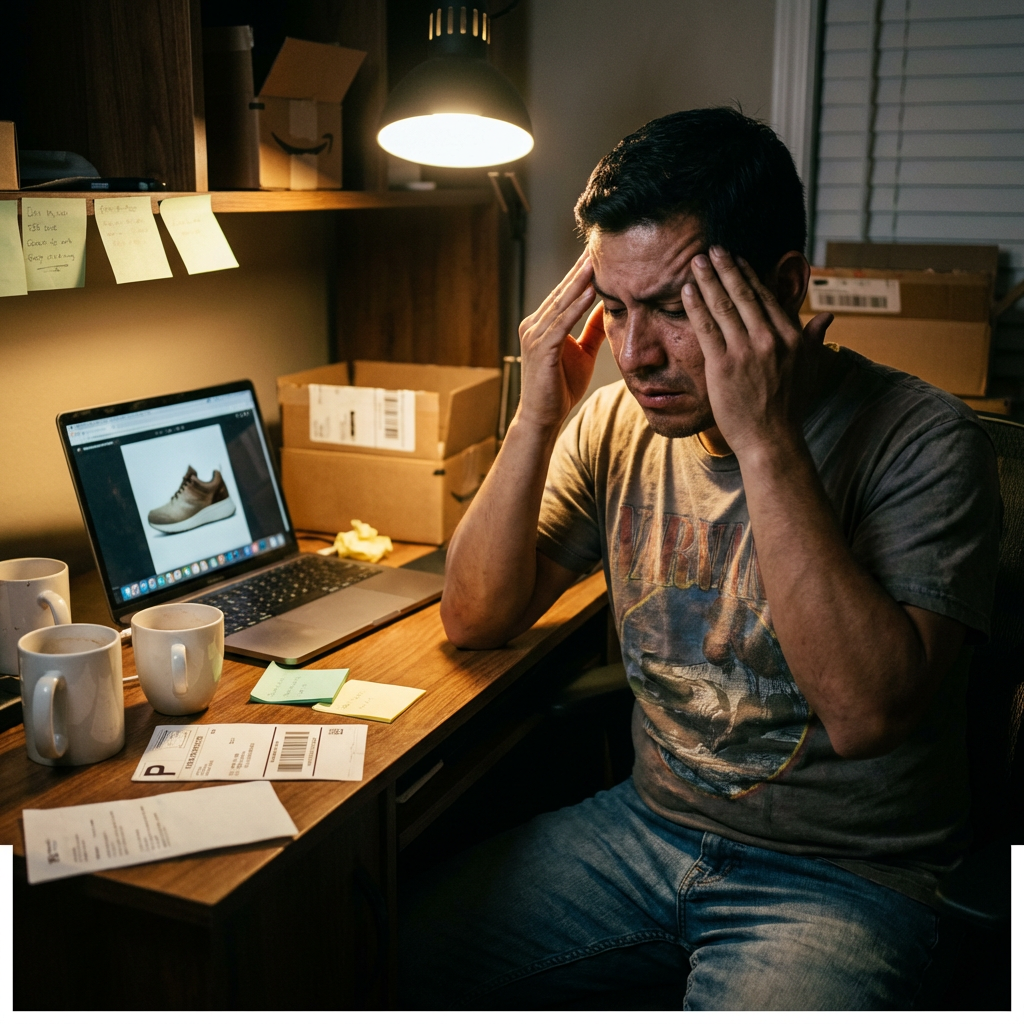
You just got a new product in. It’s exactly what your customers have been asking for. But before you can list it, you need photos—crisp, professional shots that make your product look like it belongs on a billboard, not a cluttered kitchen table.
So you do what every small e-commerce owner does: clear off your desk, set up a white sheet, and spend the next three hours taking pictures under terrible lighting. The photos look amateur. You try editing them, but now they look over-processed. You’re stuck between “meh” and “fake,” and your product deserves better.
Or maybe you hire a photographer. That’s $500–$1,500 per shoot, plus a week of back-and-forth scheduling, reshoots, and waiting for files. Meanwhile, your product sits in inventory, and your competitors are already selling theirs.
Here’s the thing: there’s a third option. AI product simulation isn’t about slapping a filter on a bad photo. It’s about getting studio-quality images in minutes, not days—without the DIY disasters or breaking the bank.
The Real Cost of Bad Product Photos (And Why It’s Eating Your Profits)
Product photography isn’t just a checkbox. It’s the difference between a customer clicking “Add to Cart” or scrolling past. But the way most small businesses handle it is broken.
1. The DIY Trap: When “Good Enough” Costs You Sales
You’ve tried it. A white poster board, a lamp from Home Depot, your iPhone. The photos come out… fine. But “fine” doesn’t sell products.
Here’s what happens when you DIY:
- Inconsistent lighting makes your product look different in every shot.
- Backgrounds are distracting—even if you think they’re “clean.”
- Angles are off—you can’t see the details that matter.
- Editing takes forever—you spend hours in Canva or Photoshop trying to fix what you couldn’t capture in the first place.
And the worst part? You know the photos aren’t great, but you don’t have time to redo them. So you upload them anyway and hope for the best.
2. The Professional Photography Nightmare: Expensive, Slow, and Inflexible
Hiring a photographer sounds like the solution. But for most small businesses, it’s a logistical headache.
- Cost: $500–$1,500 per shoot. For a small business, that’s a big chunk of your marketing budget.
- Scheduling: You have to book weeks in advance. If your product arrives late, you’re stuck waiting.
- Reshoots: If the photos don’t turn out how you imagined, you’re paying extra to fix them.
- Turnaround time: Even the fastest photographers take 3–5 days to deliver files. Meanwhile, your product is sitting in a box, not making you money.
And here’s the kicker: What if you need more photos later? Maybe a lifestyle shot for social media, or a different angle for an ad. That’s another shoot, another invoice, another delay.
Tired of Wasting Time on Bad Product Photos?
No credit card required to explore
How AI Product Photos Actually Work (No Hype, Just Results)
AI product simulation isn’t about replacing photographers. It’s about giving small businesses a faster, cheaper way to get consistent, high-quality product photos—without the hassle.
Here’s how it works:
1. You Upload a Single Photo (Yes, Just One)
You don’t need a fancy camera or studio setup. Take one decent photo of your product—even with your phone—and upload it. The AI does the rest.
- No lighting setup. The AI adjusts shadows, highlights, and reflections to make your product look like it was shot in a studio.
- No background clutter. It removes distractions and gives you a clean, professional backdrop.
- No weird angles. The AI can generate multiple angles from that single photo, so you get a full set of images without moving your product.
2. You Get Studio-Quality Photos in Minutes
With traditional photography, you wait days (or weeks) for files. With AI, you get them in the time it takes to drink a coffee.
- High-fidelity, brand-consistent images. The AI preserves your product’s exact colors, textures, and details—no “AI weirdness.”
- Multiple styles per product. Need a white background for your website and a lifestyle shot for Instagram? The AI generates both from the same base image.
- No reshoots. If you don’t like an angle, tweak it and generate a new version instantly.
3. You Save Thousands (And Hundreds of Hours)
Let’s do the math:
- Traditional photography: $500–$1,500 per shoot + 1–2 weeks of waiting.
- AI product photos: $50–$199/month for unlimited generations.
That’s not just a cost savings—it’s a time savings. Instead of waiting for a photographer, you can list new products the same day they arrive.
How to Get Started (Without Wasting Time or Money)
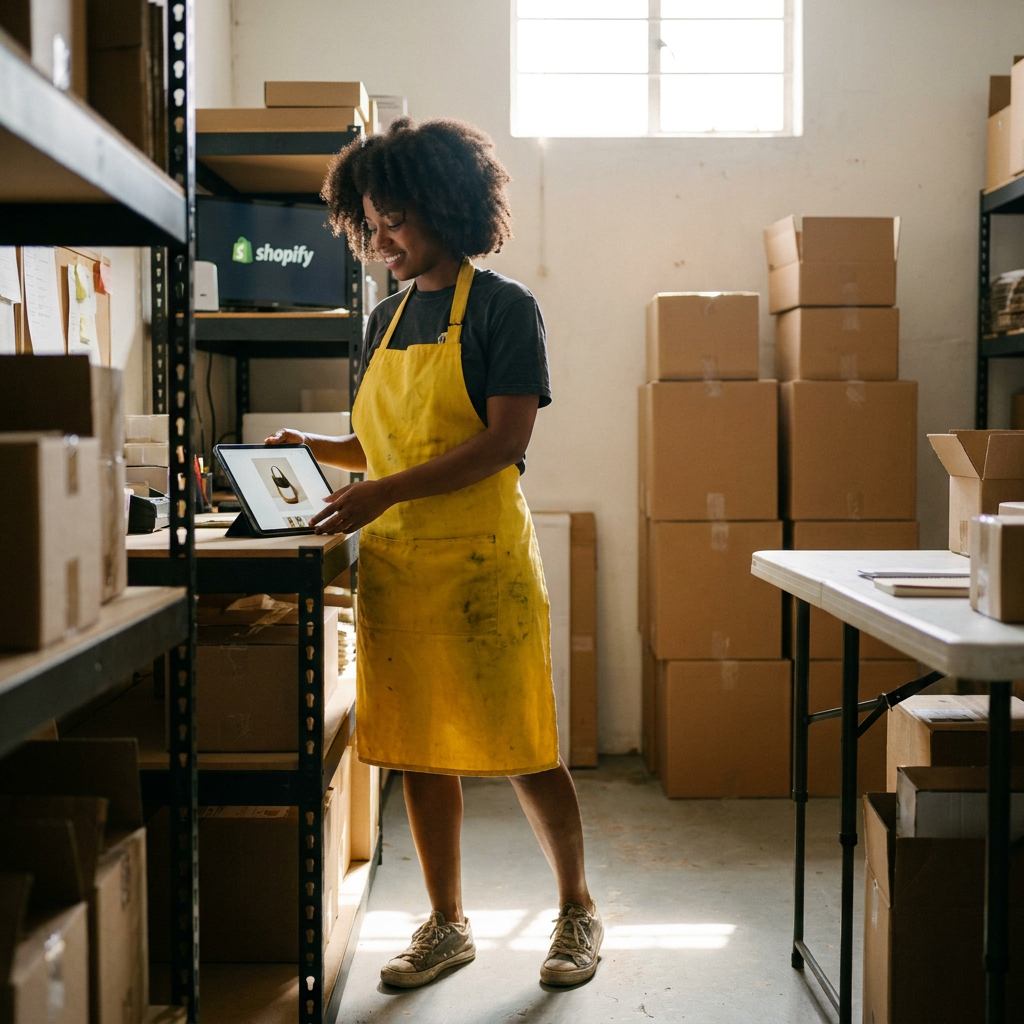
You don’t need to be a tech expert to use AI product photos. Here’s how to get started the right way.
1. Start with a Good Base Photo (But Don’t Overthink It)
The AI can work with a phone photo, but a few simple tricks will make the results even better:
- Use natural light. Shoot near a window (but not in direct sunlight).
- Fill the frame. Get close enough that your product takes up most of the image.
- Avoid shadows. If your product has harsh shadows, move it or use a white sheet to diffuse the light.
- Keep the background simple. A plain surface (like a table or countertop) works best.
That’s it. You don’t need a $2,000 camera or a photography degree.
2. Choose the Right Tool (And Avoid the Gimmicks)
Not all AI product photo tools are created equal. Some generate weird, distorted images. Others require a PhD to use. Here’s what to look for:
- 100% product identity preservation. The AI should enhance your photo, not change it.
- Studio & lifestyle layouts. You should be able to generate white backgrounds, lifestyle shots, and more from the same image.
- Fast turnaround. If it takes longer than 5 minutes, it’s not saving you time.
- No hidden fees. Some tools charge per image. Look for a flat monthly rate.
AI Product Photos (Neural Visual Agent) checks all these boxes. It’s designed for small businesses, not enterprise clients with unlimited budgets.
3. Test, Tweak, and Scale
Once you generate your first set of images, ask yourself:
- Do the colors match my product? If not, adjust the settings and regenerate.
- Are the angles useful? If you need a different perspective, the AI can create it.
- Does it fit my brand? If you need a lifestyle shot, the AI can place your product in a realistic setting.
The best part? You can experiment without risk. If a photo doesn’t work, generate a new one. No extra cost, no waiting.
3 Quick Wins to Improve Your Product Photos Today
AI product photos are a game-changer, but you can start improving your images right now with these simple tips:
1. Use Your Phone Like a Pro
You don’t need a DSLR. Your smartphone is enough if you follow these rules:
- Clean your lens. A smudged lens = blurry photos.
- Shoot in portrait mode. This keeps your product in focus and blurs the background.
- Use the grid. Align your product with the grid lines for a balanced shot.
- Take multiple angles. Front, back, side, top—give customers a full view.
2. Edit Like a Minimalist
Over-editing makes photos look fake. Instead, use free tools like Canva or Snapseed to:
- Adjust brightness and contrast. Make sure your product is well-lit but not washed out.
- Crop tightly. Remove unnecessary background space.
- Sharpen details. A slight sharpening filter can make textures pop.
- Fix white balance. If your photo looks too warm or cool, adjust the temperature.
3. Repurpose What You Already Have
You don’t always need new photos. Look at your existing images and ask:
- Can I crop this differently? Maybe a close-up of a key feature would work better.
- Can I change the background? Use a free tool like Remove.bg to swap in a clean white or colored backdrop.
- Can I create a lifestyle shot? Place your product next to complementary items for a more engaging image.
The Bottom Line: Stop Wasting Time on Bad Photos
Here’s the truth: You don’t have time to waste on bad product photos. Every day you spend fiddling with lighting, waiting for a photographer, or editing mediocre shots is a day your product isn’t making you money.
AI product simulation isn’t about replacing creativity—it’s about removing the friction. It’s about getting studio-quality photos in minutes, not days. It’s about testing new angles and styles without paying extra. It’s about listing new products the same day they arrive, not weeks later.
And the best part? You don’t need to be a tech expert to use it. If you can upload a photo and click a button, you can generate professional product images.
So ask yourself: How much time and money have you already lost to bad product photos? How many sales have slipped through your fingers because your images didn’t stand out?
You don’t have to keep doing things the hard way. AI Product Photos (Neural Visual Agent) is here, it works, and it’s ready when you are.
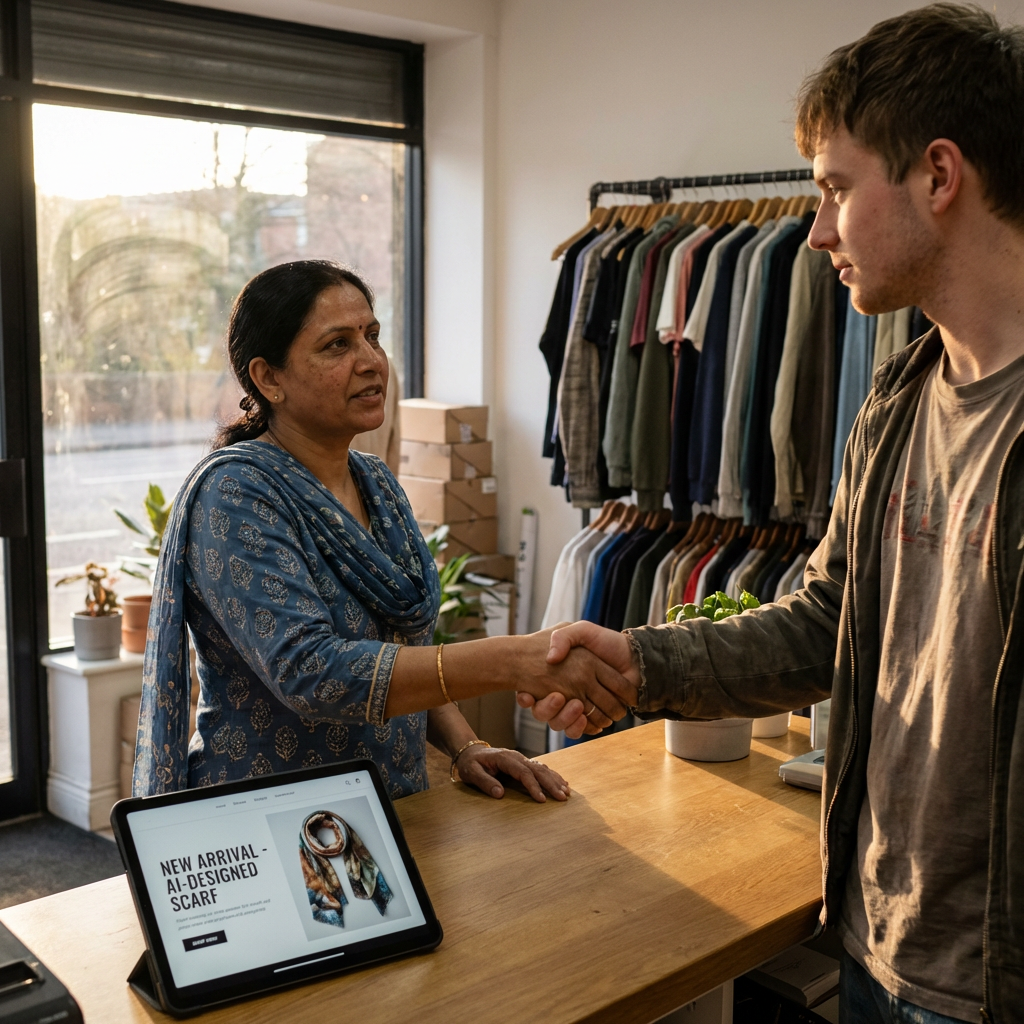
Ready to try it? Start here. No setup calls, no contracts, no BS. Just better product photos in minutes.
Related Articles
Get Studio-Quality Product Photos Today
Reclaim your time and focus on growth. Join business owners who are using AI to handle repetitive tasks so they can focus on what matters most.
Transparent Pricing • Built for Small Business • 24/7 Efficiency